
Understanding Enterprise Storage Options
Storage architecture is one of the most consequential IT decisions an Indian business can make. The wrong choice costs performance, scalability, or money. NAS, SAN, and DAS each solve different problems. Here is the complete guide.
DAS — Direct Attached Storage
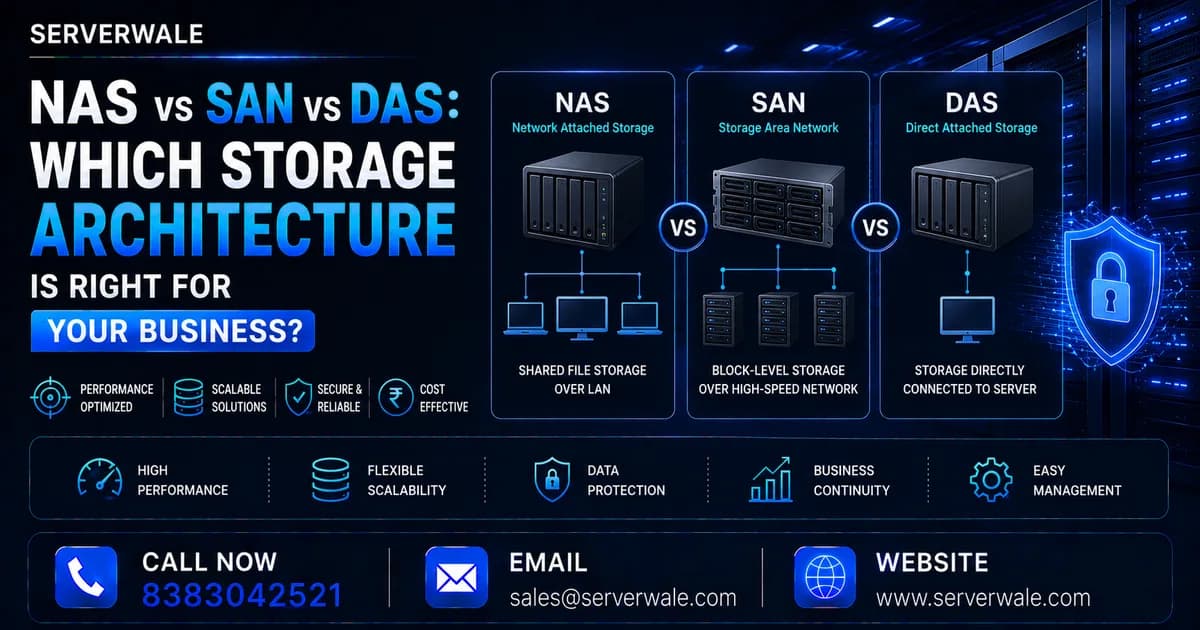
DAS is storage directly connected to a single server — internal drives, external USB/SAS arrays, or JBOD enclosures attached directly to one host.
- Pros: Lowest cost, lowest latency, simplest setup
- Cons: Not shared — only one server can access it; no centralised management
- Cost: ₹5,000–₹50,000 for drives; ₹50,000–₹3 lakh for JBOD arrays
- Best for: Single-server deployments, development machines, workstations
NAS — Network Attached Storage
NAS is a dedicated file server connected to your network. Multiple servers and clients can access the same files simultaneously over standard Ethernet using NFS (Linux) or SMB (Windows).
- Pros: Shared access, easy management, cost-effective, scales with drives
- Cons: Limited by network speed; file-level access (not block-level)
- Cost: ₹80,000–₹5 lakh (TrueNAS on refurbished hardware is very cost-effective)
- Best for: File sharing, media storage, backup, AI dataset repositories
- Popular in India: TrueNAS on HP DL380 with 24 SFF bays, or Synology/QNAP appliances
SAN — Storage Area Network
SAN is a dedicated high-speed network providing block-level storage to servers. Servers see SAN volumes as local disks. Uses Fibre Channel (expensive) or iSCSI (more affordable).
- Pros: Extremely high performance; block-level access; ideal for databases and VMs
- Cons: Most expensive; complex setup; requires dedicated infrastructure
- Cost: ₹5–₹30 lakh for entry-level SAN
- Best for: VMware datastores, Oracle/SQL Server databases, banking systems, ERP
Decision Framework for Indian Businesses
| Use Case | Recommended Storage |
|---|---|
| Shared file access (office documents, media) | NAS |
| Database server (MySQL, PostgreSQL, Oracle) | DAS (NVMe) or SAN |
| VMware/Hyper-V cluster | SAN (iSCSI) or vSAN |
| AI/ML dataset storage | NAS (high-speed, 10GbE) |
| Backup and archive | NAS + tape/cloud tier |
| Single workstation | DAS (NVMe SSD) |
Cost-Effective Storage for Indian SMBs
The most cost-effective NAS solution for Indian businesses: a certified refurbished HP DL380 Gen10 (24-bay) from Serverwale running TrueNAS. Hardware cost: ₹1–₹1.5 lakh. Add 24x 4TB SAS drives for ₹1.5–₹2 lakh total. Result: 50TB+ usable RAID 6 NAS for under ₹3 lakh — versus ₹8–₹12 lakh for a comparable Synology enterprise appliance.