
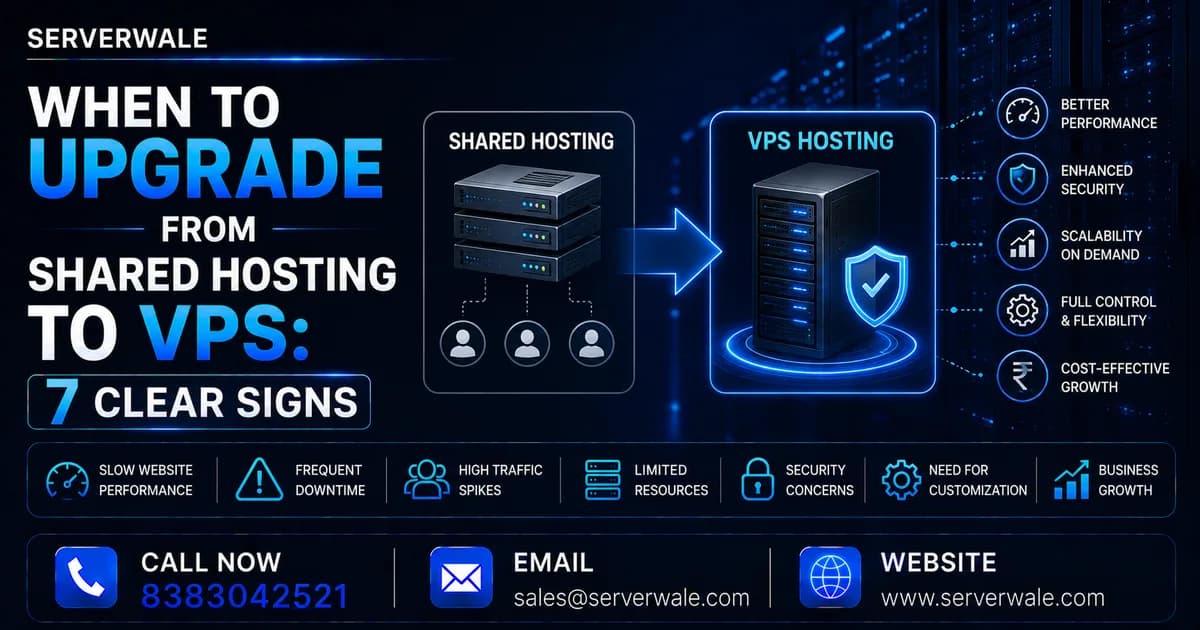
Shared Hosting Has Limits — Here Is When You Hit Them
Shared hosting is perfect for new websites. You share server resources with hundreds of other websites, which keeps costs low. But as your traffic grows, those shared resources become a bottleneck. Here are the seven signs that you have outgrown shared hosting and need a VPS.
Sign 1: Your Website Is Slow at Peak Hours
On shared hosting, if your server neighbours get traffic spikes, your website slows down — even if your own traffic hasn't changed. If you notice your website loading slowly between 10am–2pm or 7pm–10pm (peak Indian internet hours), you are experiencing resource contention from other shared hosting customers. A VPS isolates your resources completely.
Sign 2: You Are Getting 503 or 500 Errors Under Load
HTTP 503 (Service Unavailable) and 500 (Internal Server Error) during traffic spikes are classic shared hosting failure modes. The server simply runs out of CPU or memory to handle your requests. A VPS with dedicated RAM eliminates this.
Sign 3: Your Google Core Web Vitals Are Failing
Google's LCP (Largest Contentful Paint) and TTFB (Time to First Byte) metrics are directly impacted by server speed. If your TTFB is above 600ms, shared hosting resources are likely the cause. A VPS with an Indian data center typically achieves 50–150ms TTFB for Indian users.
Sign 4: You Need to Install Custom Software
Shared hosting restricts what you can install. If you need Redis, custom PHP versions, Node.js, Python environments, or Docker — you need a VPS with root access.
Sign 5: Your Traffic Exceeds 10,000 Daily Visitors
This is a general rule of thumb. Shared hosting can handle 2,000–8,000 daily visitors adequately. Beyond that, a VPS is the right infrastructure choice.
Sign 6: You Are Running an E-commerce Store
E-commerce websites cannot afford slow load times. A 1-second delay reduces conversions by 7%. Shared hosting is fundamentally unsuitable for transaction-heavy e-commerce stores. A VPS with SSD storage and dedicated resources is the minimum viable setup.
Sign 7: You Need SSL/TLS, Custom Domains, or Staging Environments
When you need multiple domains, custom SSL configurations, staging environments, or isolated development setups, you have exceeded shared hosting capabilities.
How to Migrate to VPS Without Downtime
- Provision your new VPS (Indian providers like Serverwale offer same-day setup)
- Mirror your website on the new server
- Test thoroughly using the IP address directly
- Set your domain TTL to 300 seconds (5 minutes) 24 hours before cutover
- Switch DNS, monitor for 30 minutes, then lower TTL back to 3600
VPS Cost vs Shared Hosting
The typical Indian shared hosting plan costs ₹100–₹300/month. A production-grade VPS starts at ₹450–₹2,500/month. For a business generating even ₹50,000/month in revenue, the VPS upgrade pays for itself if it reduces even one downtime incident or improves conversion rate by 1%.