
How to Set Up a Small Data Center in India: Rack, Server & Cooling Guide
A growing team outgrows a couple of desktop towers under a desk faster than most founders expect. One day it's a shared drive and a billing app; the next, someone is asking why the "server" in the storeroom shuts down every time the AC trips. At that point the question stops being "do we need a server room" and becomes "how do we actually build one without overspending or getting it wrong."
This guide walks through the real decisions — rack cabinet size, which servers to buy, how much cooling tonnage you need, power and UPS planning, basic networking, and redundancy — for a small in-house data center housing anywhere from 2 to 25 servers. It includes a sizing table and a step-by-step checklist you can hand to whoever is executing the build.
How Much Rack Space Do You Actually Need
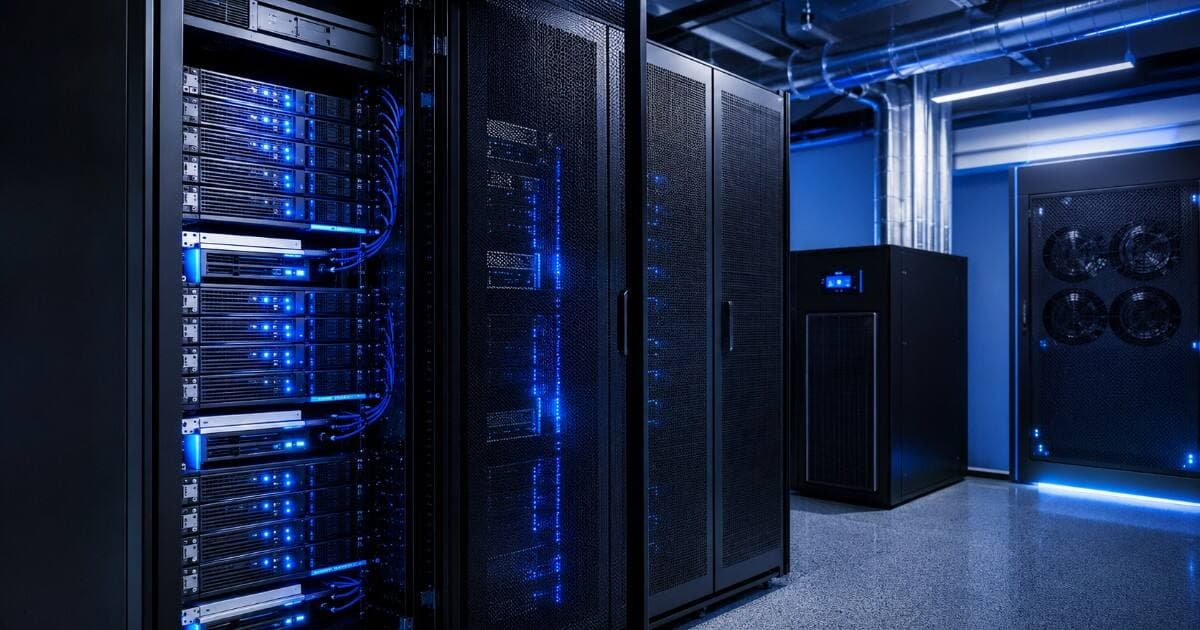
Everything starts with the rack cabinet, because it decides your floor footprint, your cooling layout, and how much room you have to grow. Rack height is measured in "U" (1U = 1.75 inches / 4.45cm). Most rack servers are 1U or 2U; a 24-port switch is usually 1U; a rack-mount UPS eats 2U-4U; and you should always reserve a few U for cable management and airflow gaps.
- Wall-mount rack (6U-9U): Fine for 1-3 servers plus a switch and small UPS — typical for a single-branch office or a retail back-office.
- Half-height rack (12U-24U): Comfortable for 4-8 servers, a firewall, a switch, and a rack-mount UPS, with some room to grow.
- 27U-32U rack: The sweet spot for 9-15 servers plus networking and PDUs, without needing a second cabinet immediately.
- Full 42U rack: Standard for 16-25 servers, or for anyone who wants 3-5 years of headroom without buying a second cabinet.
Rule of thumb: don't size a rack to exactly what you own today. Leave at least 20-30% free U for the switch, PDU, cable organizers, and the next 2-3 servers you'll inevitably add within a year.
Choosing the Right Servers for Your Mini Data Center
For a small in-house data center, rack servers (1U/2U) make more sense than tower servers once you cross 3-4 machines — they stack cleanly, cable better, and cool more predictably in a shared airflow path. Below 3 servers, a tower or two under a wall-mount rack is often simpler and cheaper.
What actually matters for sizing is workload, not brand loyalty:
- File/app servers, ERP, billing, AD/DC: A dual-socket 2U server such as a Dell PowerEdge R740 or HPE ProLiant DL380 Gen10 with 128-256GB RAM comfortably covers most SMB workloads for 5+ years.
- Virtualization/consolidation (multiple VMs on one box): Prioritize RAM and core count over raw clock speed — dual Xeon Gold or AMD EPYC configs with 256GB+ RAM let you consolidate 6-10 old physical servers onto 2-3 hosts.
- Compact/edge deployments (branch office, limited power): A 1U server like the HPE ProLiant DL20 Gen10 draws less power and needs less cooling per unit — good for wall-mount racks.
- Storage-heavy workloads (backups, media, surveillance NVR): A dedicated NAS or storage server with SAS drives, separate from your compute servers, so a storage rebuild doesn't compete with application load.
Compare OEM options before committing — our Dell PowerEdge vs HP ProLiant breakdown covers the practical differences in support, spare-parts availability, and pricing that matter for a first-time buyer.
Cooling & Tonnage Sizing for Your Server Room
Undersized cooling is the single most common small-DC mistake — servers throttle or shut down within hours of a hot afternoon, not immediately, so the problem often gets blamed on "faulty hardware" instead of airflow. The working rule of thumb: roughly 1 ton of cooling per 3-3.5kW of IT load, with 20-30% headroom built in for growth and Indian ambient temperatures.
| Number of Servers | Recommended Rack Size | Approx. IT Load | Cooling Required | Recommended UPS Runtime |
|---|---|---|---|---|
| 1-3 servers | 6U-9U wall-mount | 0.5-1.5 kW | 0.75-1 Ton split AC | 15-30 minutes |
| 4-8 servers | 12U-24U rack | 1.5-3 kW | 1-1.5 Ton split AC | 30-45 minutes |
| 9-15 servers | 27U-32U rack | 3-6 kW | 1.5-2 Ton (precision AC preferred) | 45-60 minutes |
| 16-25 servers | 42U full rack | 6-10 kW | 2-3 Ton, N+1 precision cooling | 60+ minutes / DG backup |
| 26-40 servers (2 racks) | 2 x 42U | 10-16 kW | 3-5 Ton, N+1 mandatory | Generator + UPS mandatory |
These figures are indicative — actual draw depends heavily on CPU generation and load. Older refurbished servers on Xeon E5 v3/v4 platforms typically pull less peak power per unit than a brand-new equivalent-performance box, which is one reason a refurbished small-DC build often needs a smaller AC unit than buyers assume. Wherever the room isn't dedicated (e.g. it doubles as a store or office), a dedicated split AC on its own circuit — never the shared office AC — is non-negotiable.
Power, PDU & UPS Planning
Power is where small data centers quietly fail: an undersized UPS, a PDU without spare outlets, or a rack plugged into the same circuit as the office lighting. Plan power before you plan servers, not after.
- Dedicate a separate electrical circuit (with its own MCB) for the server rack — never share it with general office load.
- Size your UPS for total IT load plus 25-30% headroom, and confirm runtime against the table above for your server count.
- Use a rack-mount PDU with at least 2 more outlets than you currently need, and prefer metered/switched PDUs once you cross 8-10 servers so you can remote-power-cycle a hung device.
- For servers with dual power supplies, feed each PSU from a different PDU/circuit — this alone prevents most single-point power failures.
- Add proper earthing and a voltage stabilizer or line-interactive UPS if your area has frequent voltage fluctuation, common across most Indian cities.
- Above 15-20 servers or for anything business-critical, budget for a diesel generator or at minimum a longer-runtime UPS bank — a 45-60 minute UPS alone isn't a real DR plan for a multi-hour outage.
Networking Basics: Switches, Cabling & IP Planning
Even a small in-house DC needs a deliberate network layout, not just a switch plugged into whatever port was free.
- Core switch: A managed 24-port or 48-port gigabit switch (10GbE uplinks if you're running virtualization/storage traffic) gives you VLANs to separate server, storage, and management traffic.
- Cabling: Cat6/Cat6a for copper runs, with proper cable management arms on the rack — tangled cabling is the #1 reason small server rooms become impossible to troubleshoot at 2am.
- Firewall: A dedicated firewall appliance between your server rack and the internet/office LAN, not just router-level NAT — see firewall rental options if you want to avoid a large upfront spend.
- IP planning: A separate subnet/VLAN for server management interfaces (iDRAC/iLO) keeps out-of-band access isolated from general office traffic.
- Remote access: Configure iDRAC/iLO on every server from day one — it lets you power-cycle or reinstall a server remotely without a physical visit, which matters a lot once the rack isn't in the same building you sit in.
Basic Redundancy Without Overbuilding
Full enterprise-grade redundancy (dual everything, hot site, automatic failover) isn't necessary — or affordable — for a 5-15 server setup. What is worth building in from day one:
- RAID on every server: RAID 1 or RAID 10 on boot/data drives so a single disk failure doesn't take down a service.
- Dual power supplies on servers that run anything customer-facing, fed from separate PDU circuits (covered above).
- N+1 on cooling once you're past 15 servers — a second AC unit that only kicks in if the primary fails, so a single AC breakdown doesn't take the whole rack offline.
- Offsite/cloud backup for critical data, in addition to local RAID — RAID protects against disk failure, not fire, theft, or ransomware.
- A spare server or spare parts kit (RAM, PSU, drive) on hand for your specific model, so a hardware failure is a same-day swap instead of a week-long procurement delay.
Why Refurbished Works Well for This Use Case
A small in-house data center is exactly the scenario where refurbished enterprise hardware makes the most financial sense. You need enterprise-grade reliability features — dual PSUs, RAID controllers, remote management, rack-mount chassis — but you don't need the absolute latest CPU generation, and you're building for a 4-6 year horizon, not a hyperscale workload. Tested, warranty-backed refurbished Dell PowerEdge or HPE ProLiant servers deliver the same rack-mount reliability features as new hardware at a fraction of the capex, which means your budget stretches further on the parts that actually determine uptime: a properly sized UPS, real precision cooling, and a decent PDU, instead of getting eaten up entirely by server list price.
It also de-risks the build itself: if you're setting up a data center for the first time, starting with refurbished hardware and a rental option for part of the rack lets you validate your rack, power, and cooling sizing before committing full capex to a permanent fleet.
Why Choose Serverwale
- Every refurbished server, switch, and storage unit goes through 72-point QC testing before it ships — see what "refurbished" actually means at Serverwale before you buy from anyone.
- Warranty-backed Dell PowerEdge and HPE ProLiant/Apollo hardware, so a five-year-old rack server performs like new for your build — compare options via our Dell vs HP ProLiant guide and HPE Apollo servers.
- Rent instead of buying outright while you validate your rack sizing — Dell server rental and NAS rental plans are available pan-India.
- Server AMC plans that cover your whole rack post-installation, not just the server, so uptime doesn't depend on someone remembering to renew support — see server AMC.
- GST-invoiced billing, an exchange & upgrade path as you outgrow your first rack, and live stock you can browse in our server & networking shop or check indicative Intel Xeon processor pricing for the CPUs that go into these builds.
Frequently Asked Questions
Q1. How much does it cost to build a small data center in India?
For a 5-10 server setup with rack cabinet, UPS, PDU, cooling, and networking, expect roughly ₹8-25 lakh depending on server count and whether you buy new or refurbished hardware; going refurbished on the servers typically cuts the hardware portion of that budget by 40-60% without giving up warranty or dual-PSU reliability.
Q2. What size rack cabinet do I need for 10 servers?
A 27U to 32U rack is usually enough for 10 x 1U-2U servers plus a switch, PDU, and cable management, but a 42U full rack is a safer choice if you expect to add more servers within 2-3 years, since re-racking later is far more disruptive than buying a slightly larger cabinet upfront.
Q3. How much cooling (tonnage) do I need for a server room?
As a rule of thumb, budget 1 ton of cooling for every 3-3.5kW of IT load with 20-30% headroom — a 10-server room drawing around 4kW typically needs 1.5-2 tons of dedicated split or precision AC, run on its own circuit rather than shared with general office cooling.
Q4. Can I build a small data center using refurbished servers?
Yes — tested, warranty-backed refurbished Dell PowerEdge and HPE ProLiant rack servers are commonly used for small in-house data centers in India because they offer the same dual-PSU, RAID, and remote-management features as new hardware at a significantly lower upfront cost, which is why most SMB builds under 15 servers use at least some refurbished units.
Q5. Do I need a diesel generator, or is a UPS enough for a small data center?
For most SMB setups under 10 servers with reasonably stable grid power, a UPS sized for 30-45 minutes of runtime is usually sufficient to ride out short outages and allow a graceful shutdown; once you cross 15-20 servers or the workload is business-critical, a generator backup alongside the UPS becomes necessary since a UPS alone can't cover a multi-hour outage.
Bottom Line
Building a small data center isn't really a "buy servers" project — it's a power, cooling, and rack-planning project that happens to have servers in it. Get the electrical circuit, UPS sizing, and cooling tonnage right first, using the table above as your starting point, and the server and networking choices become straightforward. Start with tested, warranty-backed refurbished hardware to stretch your budget toward the infrastructure that actually protects uptime.
Call: +91-87968-22044 | WhatsApp: wa.me/918796822044